Managing SSL certificates
You can manage SSL certificates from two pages of the Hosting Control Panel:
- Website security
- SSL and antivirus
Website Security page
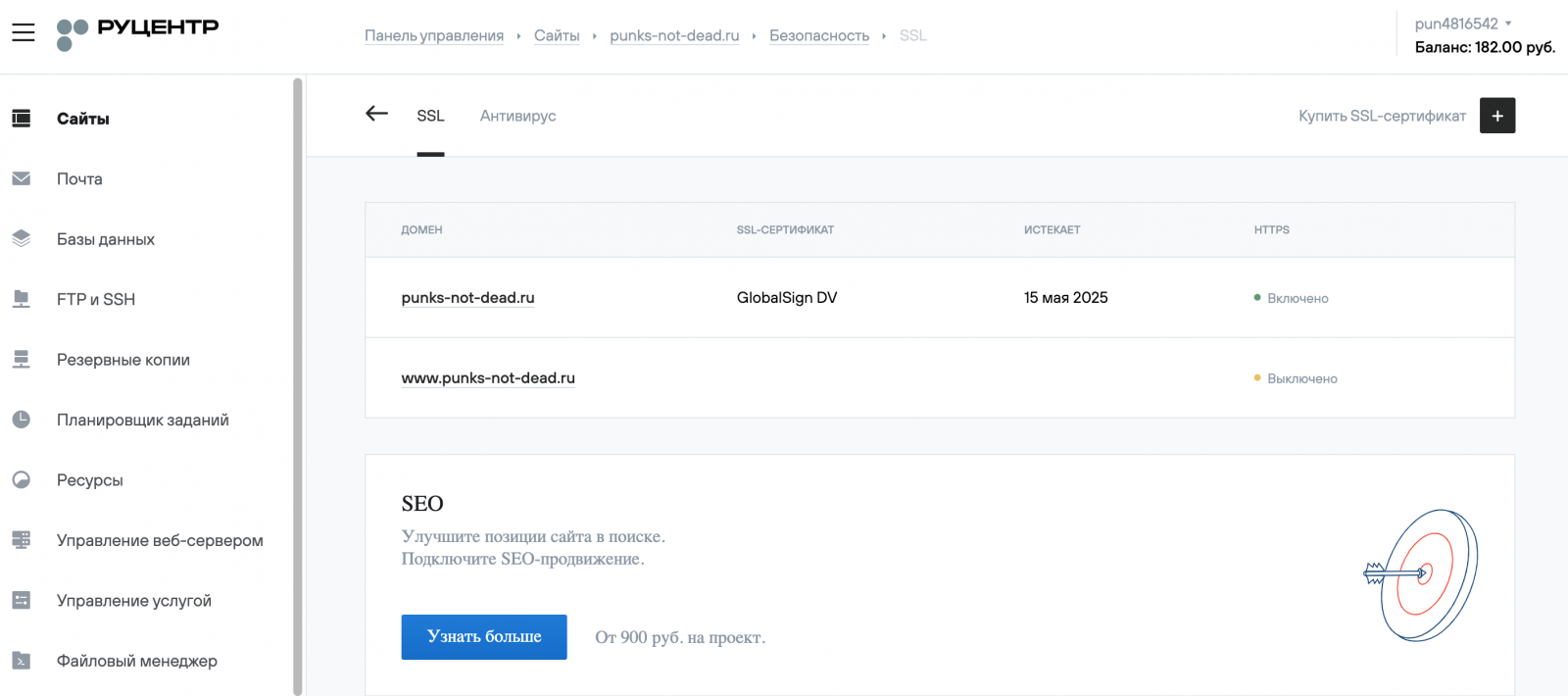
This page allows you to manage the website’s HTTPS protocol settings, find out the status of SSL certificates for the website’s domain names, and enable, switch, and disable them.
The Security (Безопасность) page is located at the following path: Websites (Сайты) → Your_website (Ваш сайт) → Security (Безопасность). To access the HTTPS protocol settings, click on the domain name.
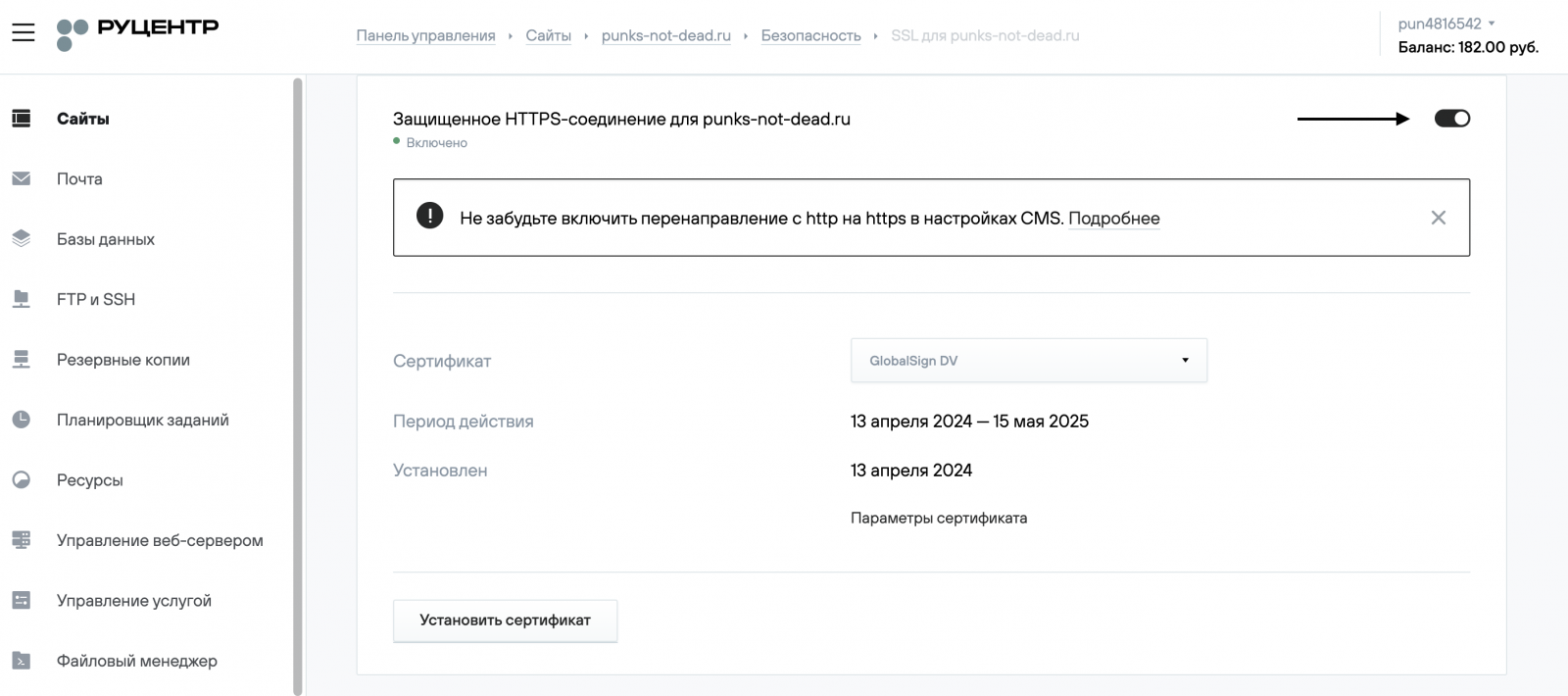
The page that opens contains a switch responsible for the HTTPS protocol operation, and you can also select an SSL certificate from a list of suitable ones for the domain and obtain information about it
When enabling the HTTPS protocol on a second-level domain, for example, domain.ru, the third-level domain name www.domain.ru, added as a synonym for the website, will use the same SSL certificate, even if the HTTPS/ parameter is disabled.
The third-level domain will display the SSL certificate enabled for the second-level domain unless a different one is selected for the third-level domain.
SSL and antivirus page
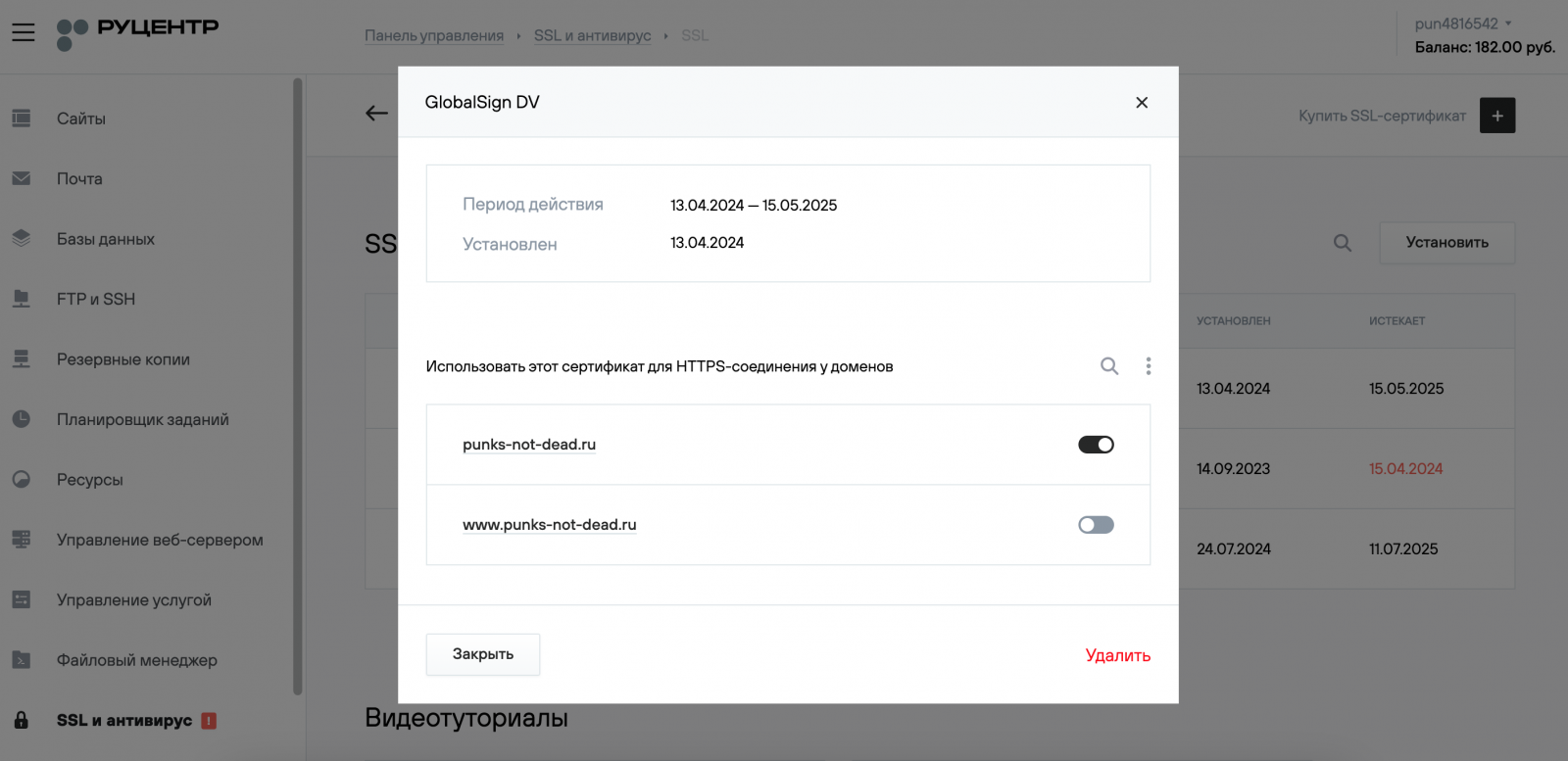
Contains information about all the SSL certificates installed on the hosting service and allows you to manage them.

You can open the SSL certificate parameters by clicking on its name. In the SSL settings, you can get additional information about the certificate, delete it, and select which domain names it will be used for.