
How do I order a dedicated server?
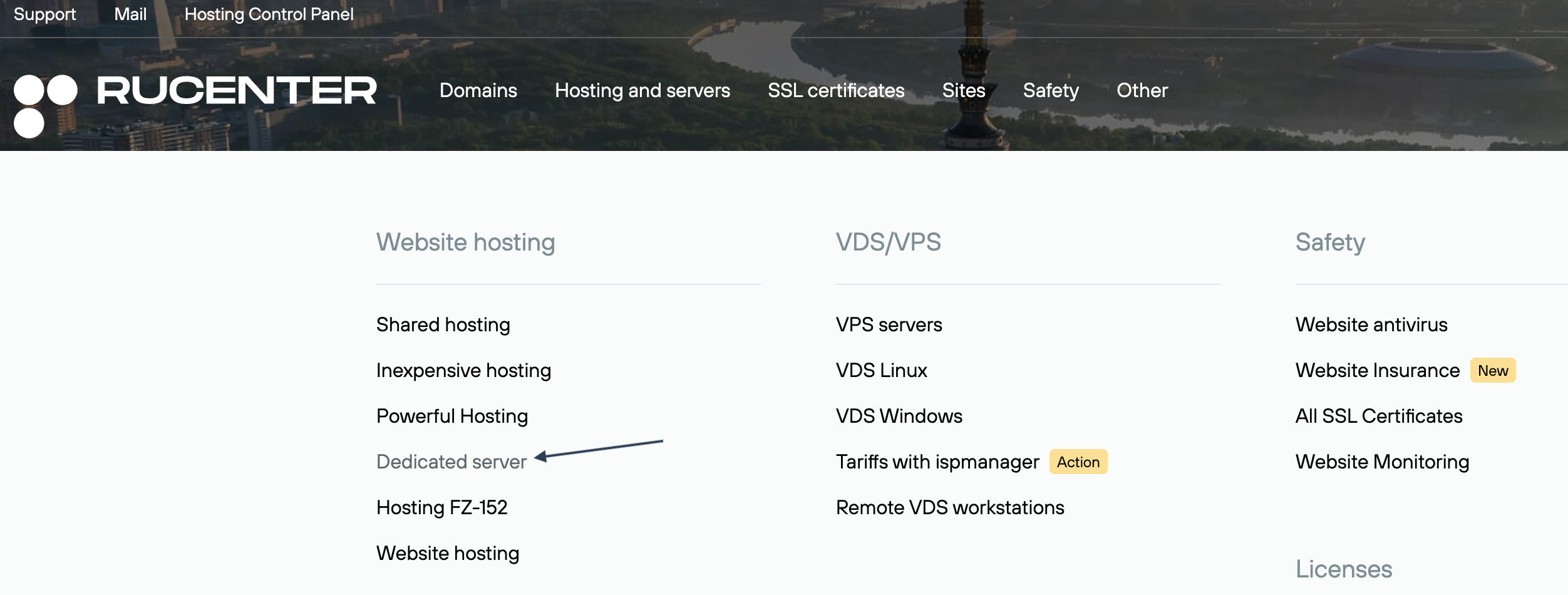
1. On the www.nic.ru page, select the Hosting and Servers section, and then select Dedicated Server from the drop-down menu.
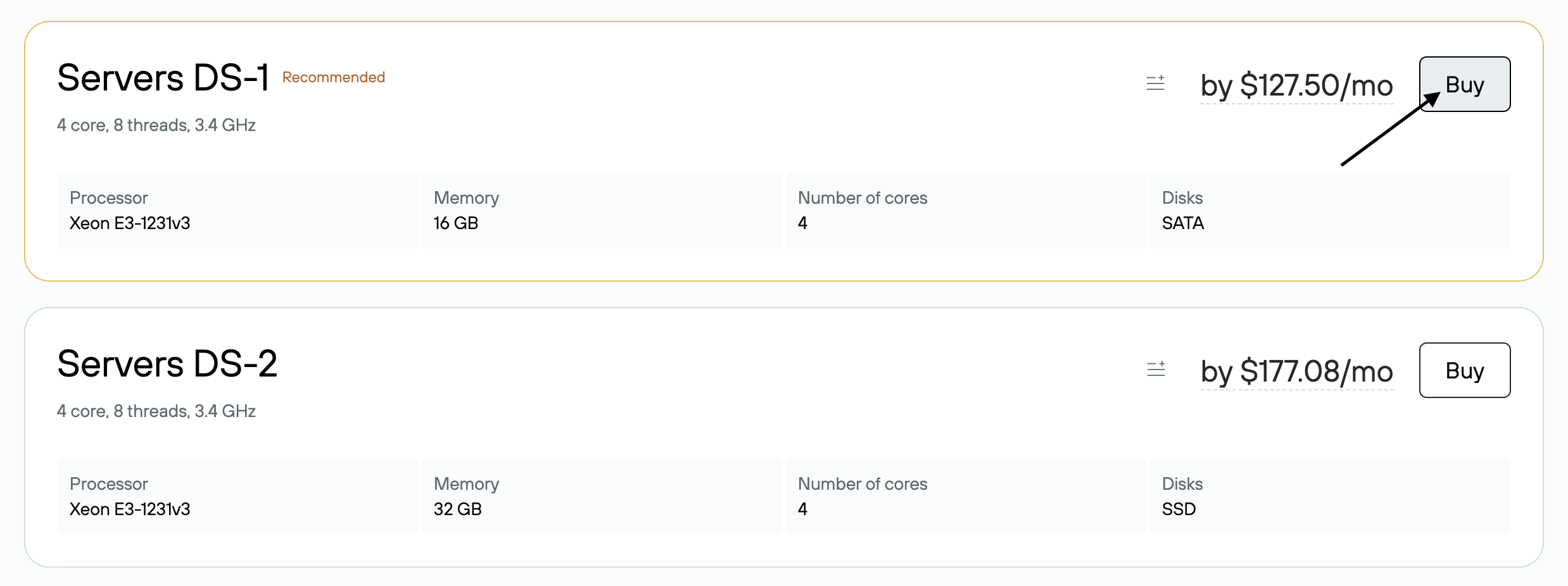
2. On the price plan card, click Buy.
3. Log in to your profile or click Become a Client if you haven't registered on the Rucenter website yet.

4. After logging in, you'll need to select a payment period and operating system. You can also add additional services to your order:
Additional IP address. The price of a dedicated server already includes an IP address (base address), but you can order an additional one if needed.
Backup storage — space provides additional disk space for storing backups. Hosted on a separate failover cluster.
IP address with DDOS protection — you can order up to 16 addresses with DDOS protection.
The ISPmanager 6 Lite control panel — is a convenient server management panel that allows you to perform all basic server tasks. When you select a panel, the software versions required for stable operation are installed on the server. If you need to configure your own software, you can opt out of this service by unchecking the box next to the panel.

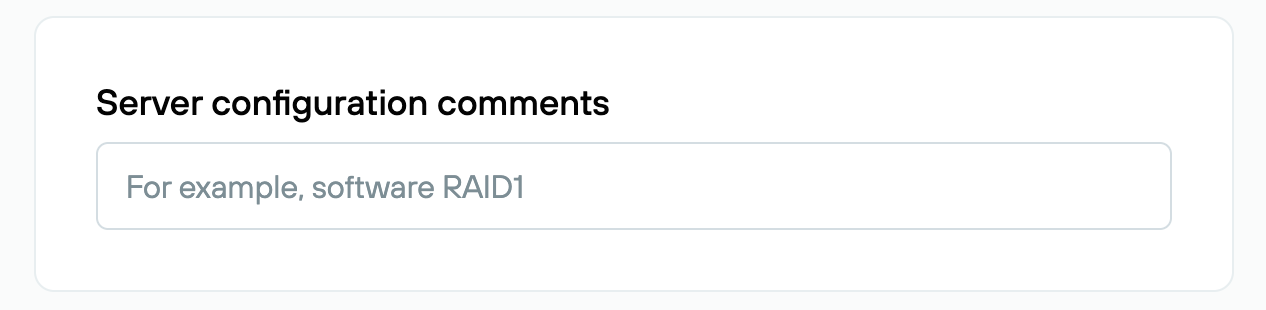
5. You can leave comments on server setup and additional services in the Server Setup Suggestions field. Click the Proceed to Order button.
6. You will then be redirected to pay for your order. If there are sufficient funds in your account, your order will be paid immediately.
7. After placing your order, information about your order will appear in the Order History section.
8. After payment, your order will be processed. Server activation takes up to 24 hours, provided that the server administrator has completed the identification procedure. After service activation, an email with server access details and settings will be sent to your contact email address.